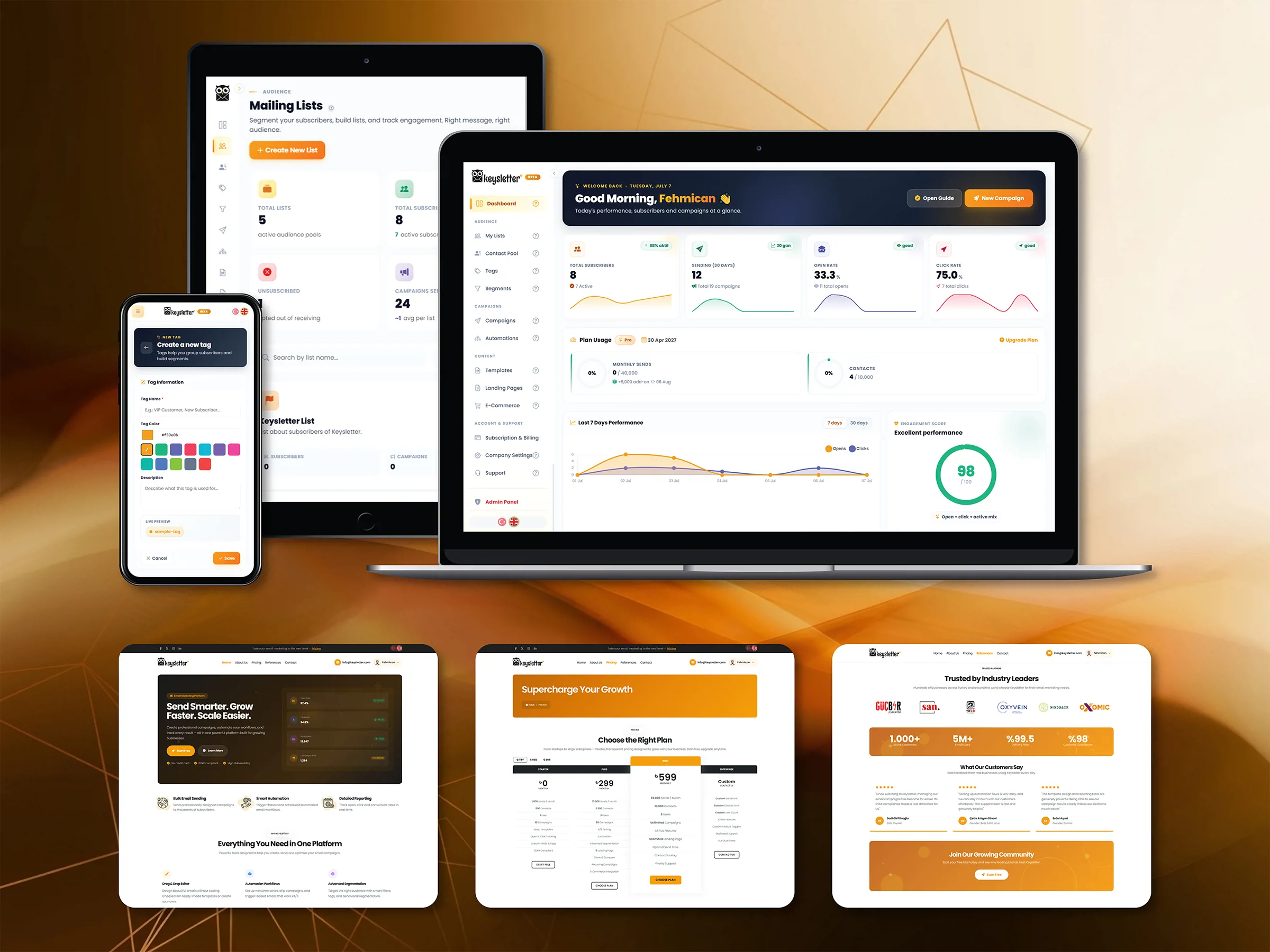
Run email marketing from a single panel. Campaigns, segmentation, email design and automation come together on one platform, so you can measure how every send performed and shape the next campaign with the data.
We built Keysletter to run every part of email marketing — building the list, preparing the content, choosing the audience, sending and measuring — from a single panel. You can build your subscriber lists, prepare email templates, deliver your sends to specific audiences and follow the results from the same workspace.
We designed the sending infrastructure so that you can define your own SMTP server; your emails go out over your own domain. Alongside that, permission management under Turkish regulation, a spam-score check before sending and separate test options for the subject line, the content and the send time are all part of the core product. The panel, the system emails and the subscription flows are built to work in both Turkish and English.
What the Panel Holds
-
Campaign Sending
We built a sending area where you can create email campaigns for different content and different audiences. Preview, test send, recipient selection and scheduling are handled in a single flow.
-
Drag-and-Drop Editor
The block-based editor lets you build email templates quickly without writing code. You can adapt the ready-made templates to your brand colours and typography, and check the mobile view on the same screen.
-
Advanced Segmentation
We build dynamic segments from tags, custom fields and engagement scores between 0 and 100. Campaigns can be set up for the subscriber groups you choose rather than for the whole list.
-
Automation Flows
We build visual flows with triggers, waiting periods and conditional branching. Scenarios such as welcome, abandoned cart and win-back turn into flows that run on their own.
-
A/B Testing
We provide separate test options for the subject line, the content and the send time. Comparing the results of different variants shows in the reports which option performed better.
-
Detailed Reporting
We provide a reporting structure where open, click and delivery rates can be followed campaign by campaign. Link clicks and send results can be examined from the same panel.
How a Send Goes Out
-
Build the List
Subscribers can be imported or collected through a signup form. Double opt-in, the time of consent and the source are kept on record, and they form the basis of the segments that follow.
-
Design the Template
You start from a ready-made template and arrange the blocks by dragging. You can check the mobile view, review the spam score before sending and run a test send.
-
Choose the Recipients
A campaign can be planned for the whole list or for a specific segment. Consent status and the remaining send quota are checked so that the recipient scope is clear.
-
Send and Measure
You can send the campaign right away or schedule it for a later date. After the send, open, click and delivery results can be followed from the reporting screen.
Where E-commerce Fits
Connecting Shopify and WooCommerce stores to Keysletter links orders, customer records and purchase data to your email marketing flows. Automatic tagging, post-purchase messages and, for Shopify, abandoned cart automations all run over this connection.
Consent and Data
Double opt-in subscription, the time and source of consent, one-click unsubscribe and exporting the consent list in the format used by İYS, Türkiye's national registry for commercial message consent, are gathered into a single permission management structure. Before a campaign goes out, the consent step required by Turkish Law 6563 and KVKK processes is applied; the send is blocked from starting until the required boxes are ticked.
On the sending side we use duplicate-send protection, signed tracking links, quota checks and retry mechanisms for temporary failures. Critical operations and support access to accounts are kept in security logs.
GDPR and Turkish KVKK compliance do not end with software: how long each field is kept, how consent notices are written and where commercial-message permissions came from depend on your own processes. The platform keeps the record; the decision stays with you.
Getting Started
The free plan opens without a credit card. You can try campaigns, segmentation, automation and reporting straight away, and change your plan as your usage grows.